
Stop managing Search Terms by hand.
pi-automate turns raw Search Terms into prepared actions: add negatives, promote strong queries, or move terms to a better ad group. You approve before anything changes.
Heavy prep automated. Final approval stays with you.
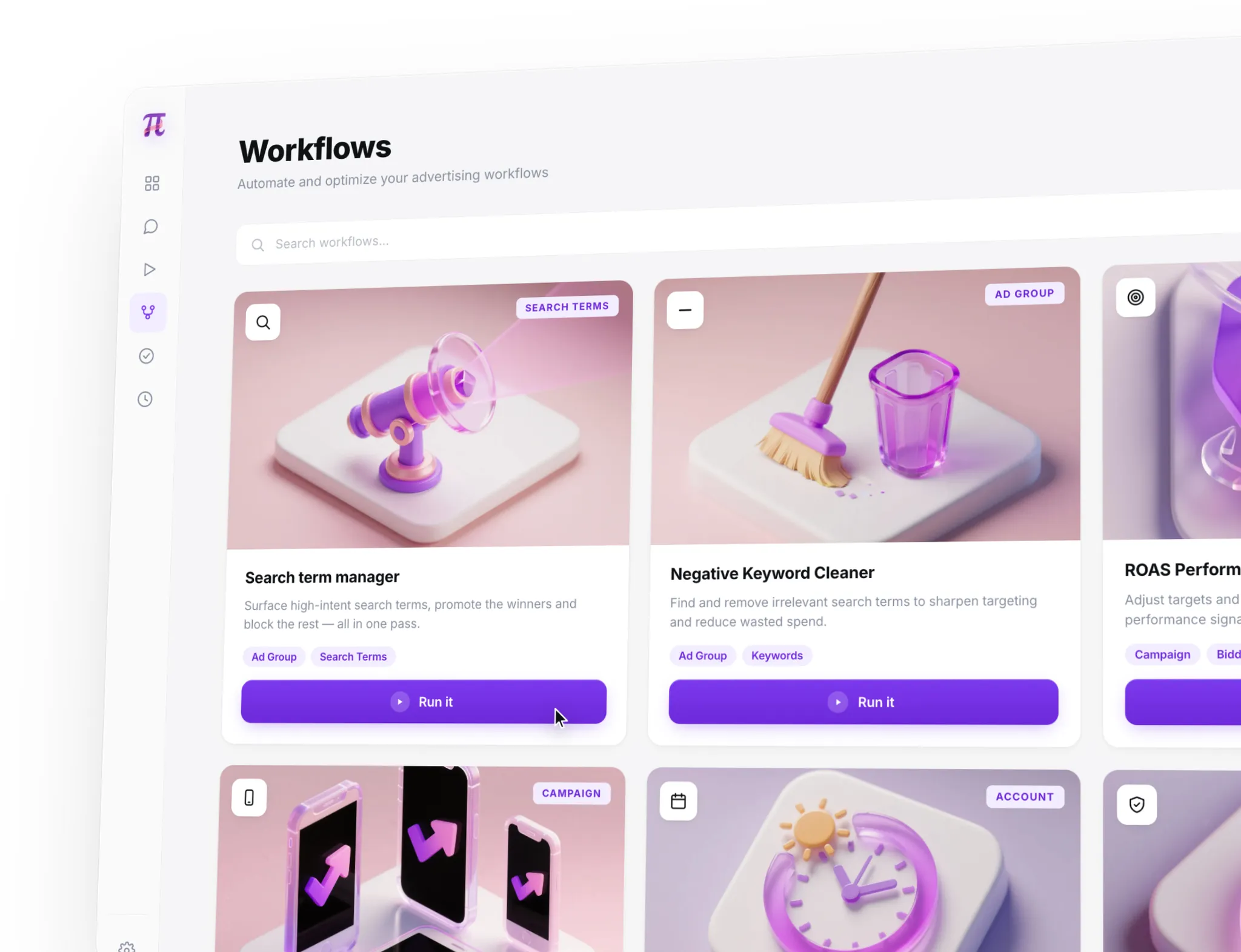


Search Terms hide work your team repeats every week.
Every PPC manager knows the routine: scan queries, judge intent, find waste, spot useful searches, and decide which changes are safe.
pi-automate does that preparation work for you, so the next session starts with prepared actions instead of a blank Search Terms report.
pi-automate finds the actions worth your attention.
The workflow classifies raw Search Terms, filters out noise, surfaces possible waste, and groups negative keyword, keyword, and ad-group actions for approval.
Connect Google Ads. Approve prepared actions.
Connect your account, let pi-automate do the Search Term management prep, then approve, reject, or ignore each action before anything changes.

Connect Google Ads
Connect your account so pi-automate can access the Search Term data needed for the workflow.
Prepare action candidates
The workflow checks intent, relevance, possible waste, and the best next action.
Approve the changes
Approve, reject, or ignore the prepared actions based on your account context.
The workflow is designed to surface the few actions worth approving inside thousands of Search Terms, while keeping PPC judgement in the loop.
Start free →What to know before you start
pi-automate analyzes your Google Ads Search Terms and prepares an approval queue with possible negative keyword actions, keyword opportunities, and routing decisions.
No. The Search Term Management workflow is built around approval. pi-automate prepares the actions, and you decide what should be applied. Nothing changes in your account before you approve it.
pi-automate is built for people who already work with Google Ads. It does not replace PPC judgement. It handles the recurring Search Term prep so experienced users can approve the right actions faster.
You create an account, connect Google Ads, and start the Search Term Management workflow. pi-automate analyzes your Search Terms and prepares actions for your approval queue.
After the account analysis is complete, prepared actions appear in the workflow for approval.
Agencies can test the workflow with one connected account first. Broader multi-account workflows should be evaluated separately.
Run your first Search Term workflow.
Connect Google Ads, let pi-automate prepare the Search Term work, and approve the actions that make sense.
From raw Search Terms to prepared actions.
14-day free trial. No credit card required.